
PHONE RECORDING
iPhone
Record the route, distance and speed. Motion data supports estimated stroke rate. Your recording can continue with the screen locked.
Included in the iPhone beta
FOR PADDLERS AND COACHES
From the first crew list to the last training piece. Bring your boat plans and training records together.
Available through TestFlight. English and 繁體中文.
BEFORE, DURING AND AFTER TRAINING
Less time piecing things together. More time on the water.
01 / PREPARE
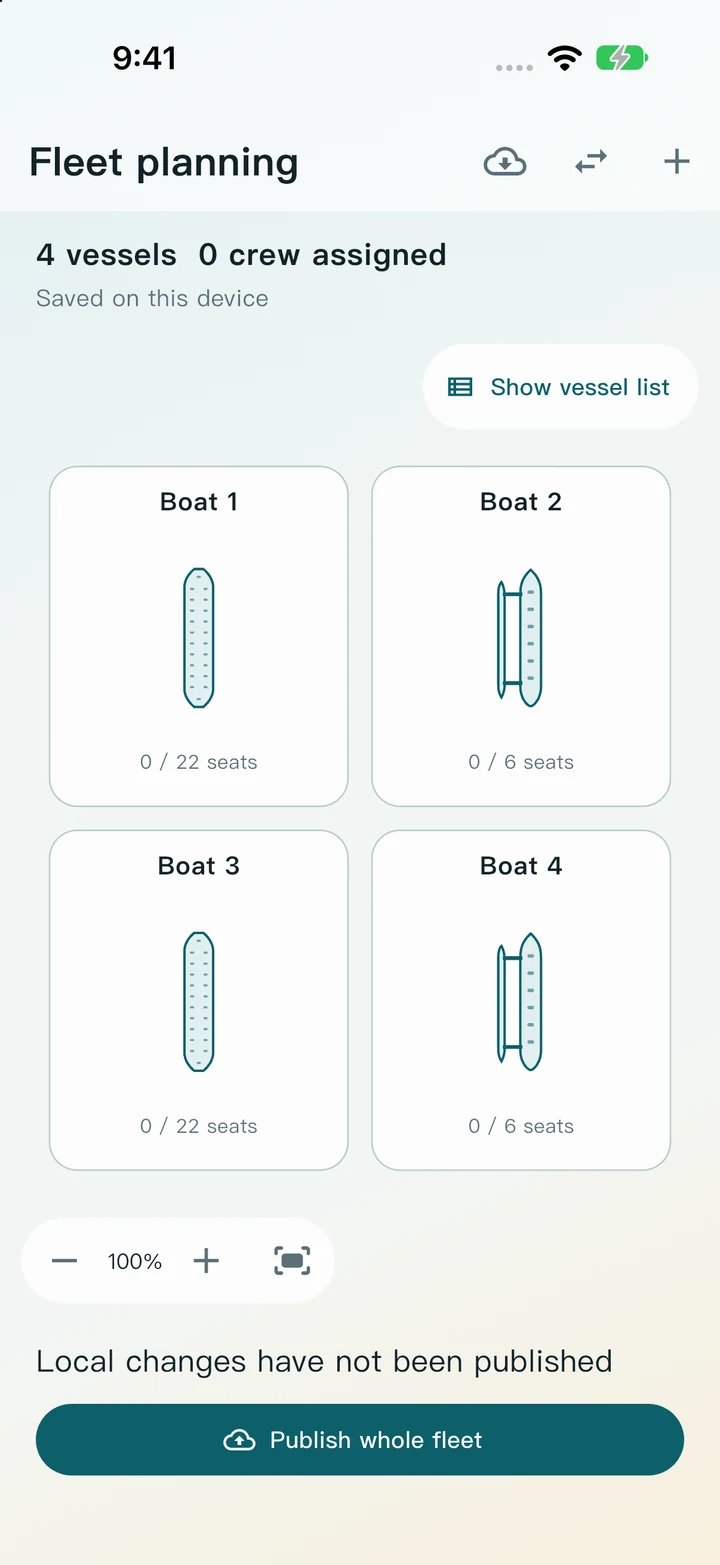
Build your roster, take attendance and arrange the boat. Coaches can add paddlers without asking everyone to install the app.
02 / RECORD
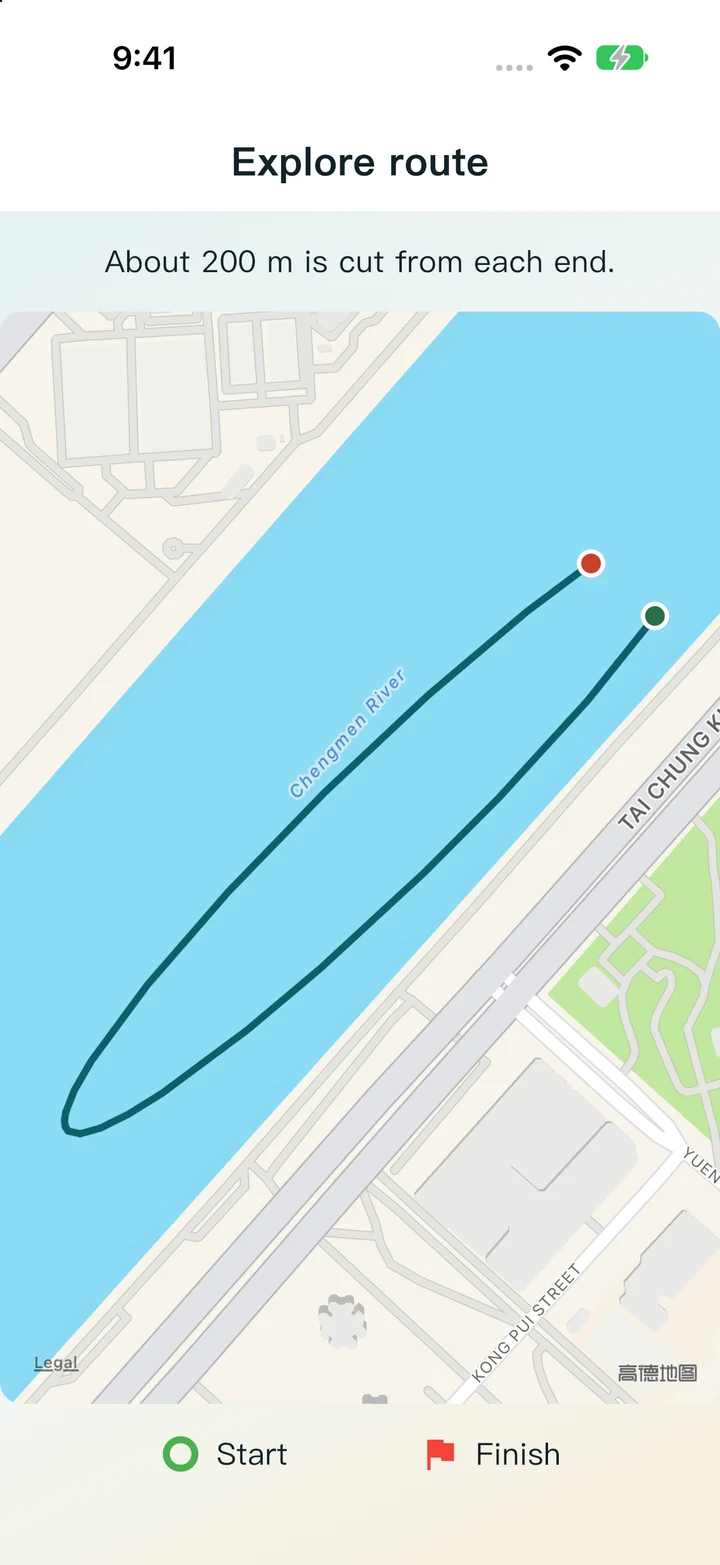
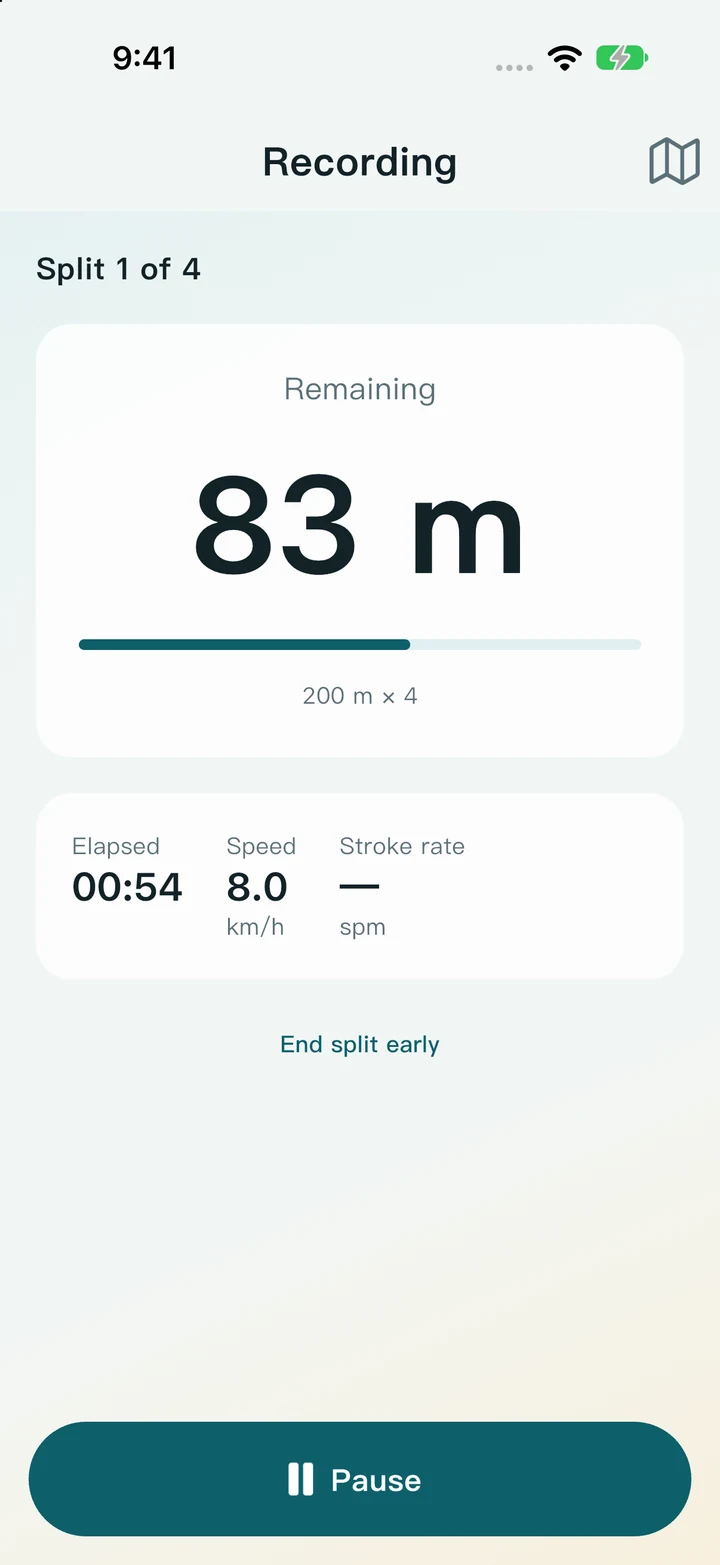
Record distance, speed and your route from the iPhone. The next beta adds distance and time targets for sprints, intervals and recovery.
03 / REVIEW
Revisit a route, look through training history and compare speed with stroke rate over time. Choose the metrics you want to inspect.
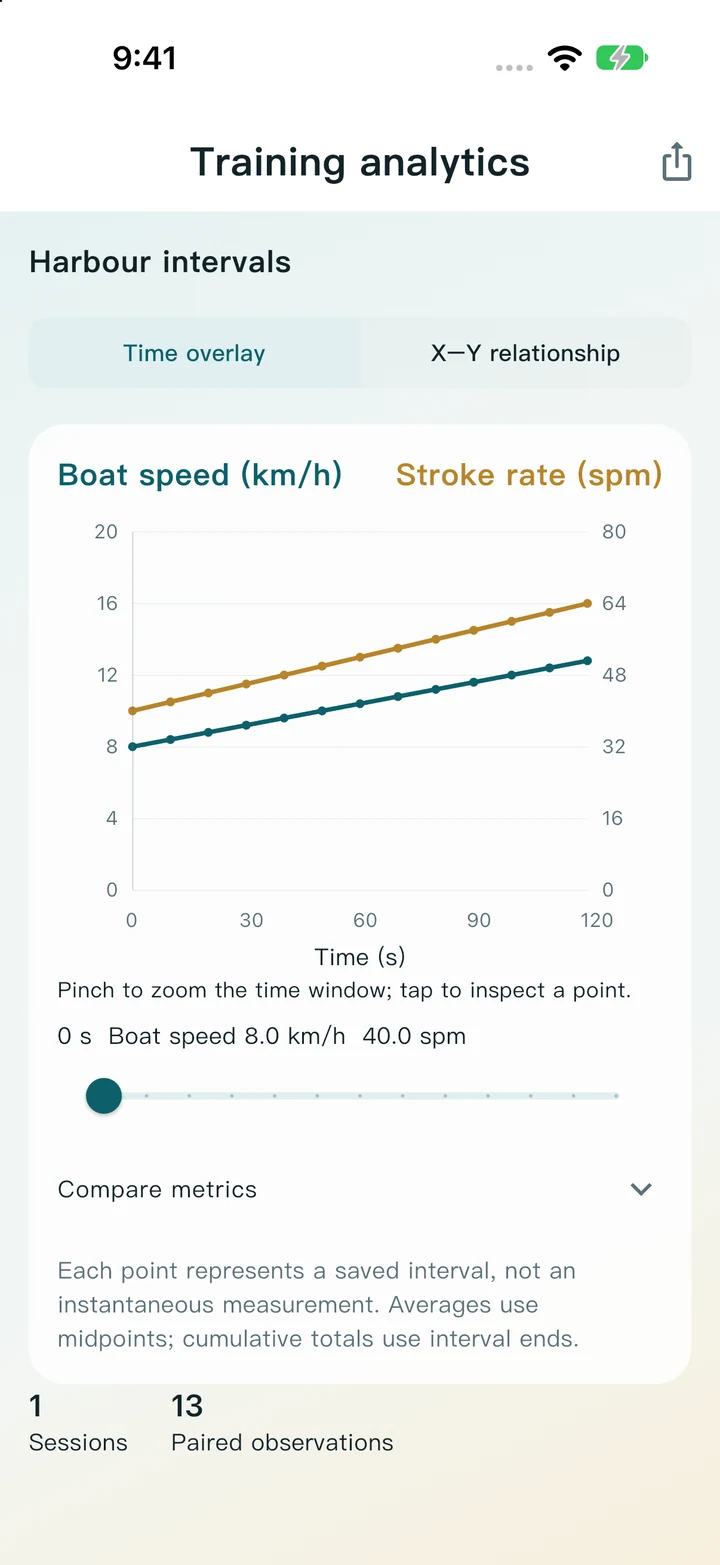
Phone stroke rate is estimated. GPS-derived power is an estimate, not paddle force measured by a sensor.
YOUR PHONE. YOUR WATCH. YOUR TRAINING.
A watch is optional. Check what each connection can collect before you take it onto the water.
PHONE RECORDING
Record the route, distance and speed. Motion data supports estimated stroke rate. Your recording can continue with the screen locked.
Included in the iPhone beta
COMPANION BETA
Record a workout with the LogPod watch app. Heart rate, energy, GPS and wrist motion depend on your permissions and available sensors.
Prepare through Devices & apps in LogPod
LIMITED PILOT
Our fēnix E pilot uses a separate companion app. We are evaluating simpler setup and broader model support with Garmin Health SDK.
Model compatibility is still being validated
A connected watch does not guarantee a complete recording or verified wrist stroke rate. Check the recording sources after saving.
A FEW THINGS TO KNOW
No. A coach can add roster entries with a name, weight and preferred side. A paddler needs an account to sign in and use their own training features.
Install LogPod, sign in, then use the team invitation or join details from your coach. The TestFlight link installs the app; it does not enrol you in a team.
Crew planning and phone training records are available through TestFlight. The next update adds training targets and revised device setup and analytics. Availability depends on the build offered to you in TestFlight.
A new phone recording requires agreement to automatic private diagnostic upload. Raw diagnostic traces are accessible to you and authorised LogPod support, not to team members through their team role. Team session and route sharing have separate access rules. You can withdraw permission and delete uploaded diagnostics in Settings.
TestFlight shows the current availability. If you cannot join, contact support@atomylab.com. Do not send raw motion or health files by email.
TRY LOGPOD WITH YOUR CREW
Open the beta link on your iPhone.
Accept the invitation in TestFlight.
Use the team details from your coach, or create a team.
Public beta places are limited to 200 testers. No watch is needed to begin.